
Types of Forex Orders — Market, Limit, Stop Explained
October 31, 2026
Most beginners use exactly one order type — the market order — and wonder why they spend their days watching charts. Learning the other five means your plan executes whether you are at the screen or asleep, which removes the single largest source of emotional error in trading.
This lesson covers every order type you will realistically use, when each is appropriate, and the specific mistakes that come with each one.
The two categories
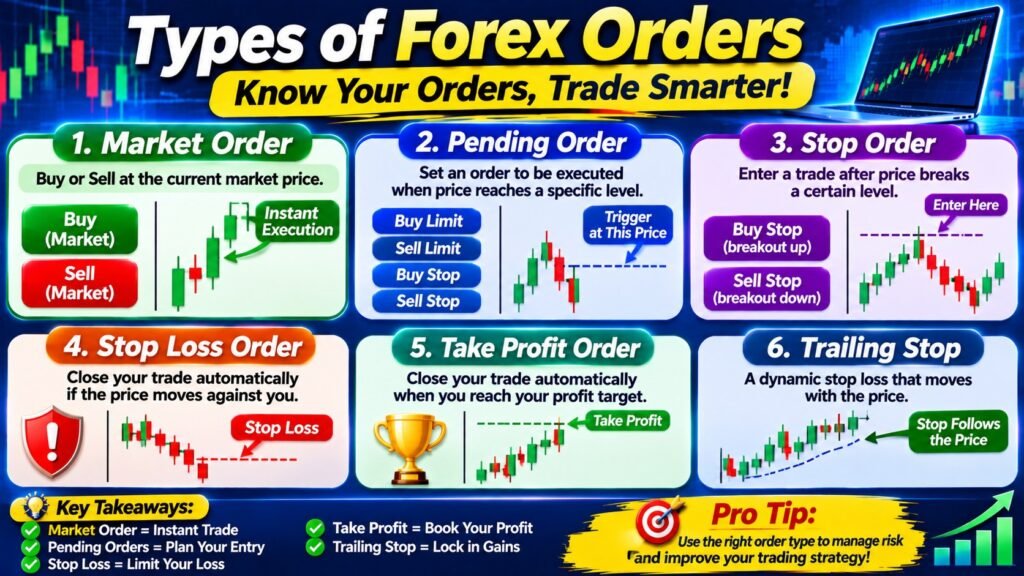
Every order falls into one of two groups.
Market orders execute immediately at whatever price is currently available.
Pending orders sit dormant until price reaches a level you specify, then activate automatically. These are the ones that let you plan a trade and walk away.
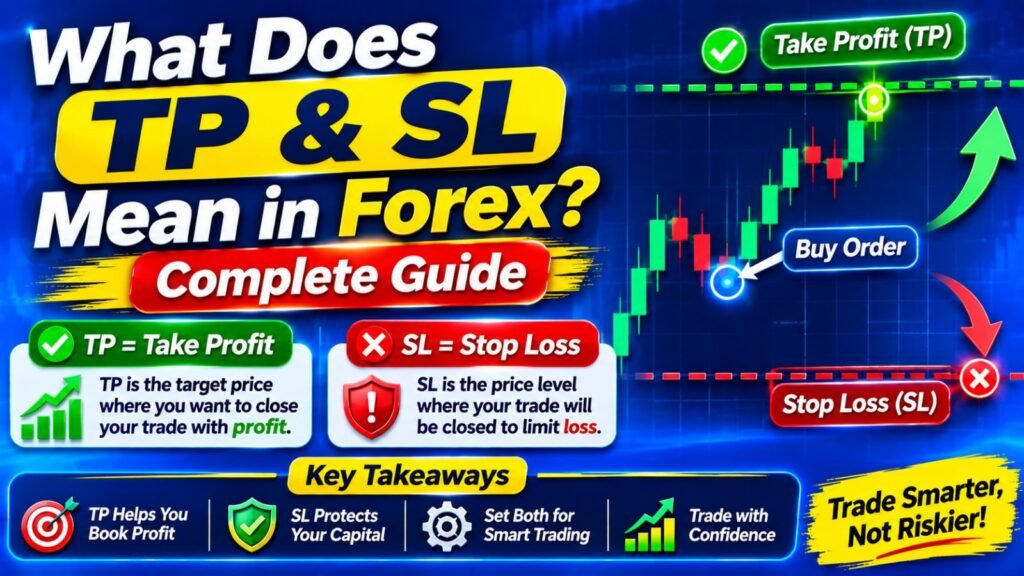
Alongside both sit exit orders — stop loss and take profit — which attach to a position and close it automatically.
Market order
You click buy or sell, and the trade opens at the current market price.
The advantage is certainty of execution — you are in the trade. The disadvantage is uncertainty of price. During volatile conditions the fill can differ from what you saw, which is called slippage.
Slippage is usually a fraction of a pip and works in both directions. During major news it can be significant. This is one reason entering positions in the seconds around a data release is unwise unless that is specifically your strategy.
Market orders suit situations where being in the trade matters more than the exact entry price — which is most discretionary trading, and all urgent exits.
Limit orders
A limit order executes only at your specified price or better. It is the order for traders who want price to come to them.
Buy limit
Placed below current price. You are waiting for a dip to buy into.
EUR/USD currently: 1.0880
Support level: 1.0850
Buy limit @ 1.0850
Triggers if price falls to your level
Sell limit
Placed above current price. You are waiting for a rise to sell into.
Limit orders suit traders who work from support and resistance. You identify a level where you would want to enter, place the order, and let the market either come to you or not. No screen time required.
The trade-off: if price never reaches your level, you miss the move entirely. Traders who chase missed limit orders with market orders at worse prices are usually better off simply accepting the miss.
Stop orders
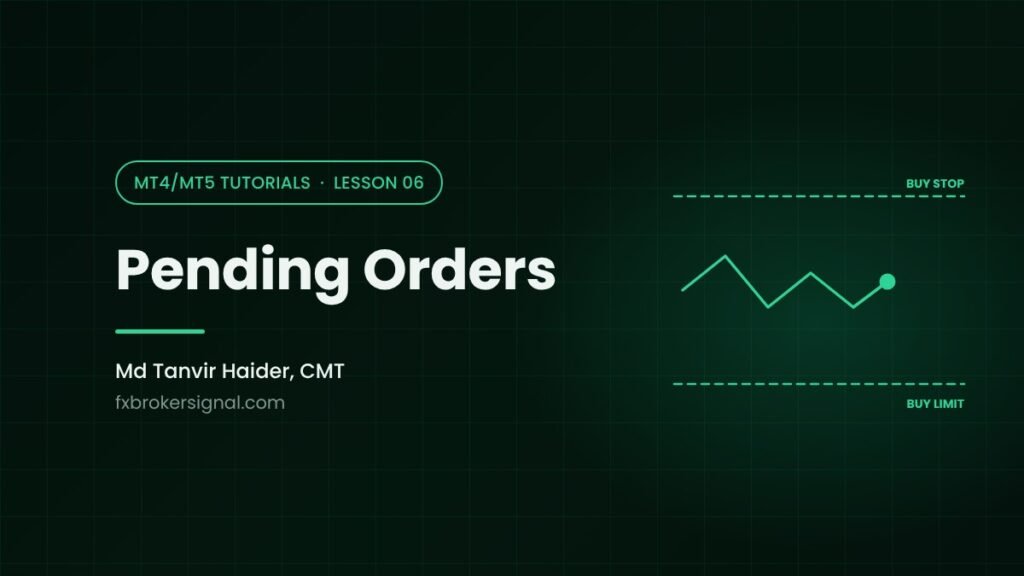
Stop orders work in the opposite direction to limits. They trigger when price moves through a level, not back to it.
Buy stop
Placed above current price. You want to buy only if price breaks upward through resistance — confirming strength.
EUR/USD currently: 1.0850
Resistance: 1.0900
Buy stop @ 1.0905
Triggers only on a confirmed break above
Sell stop
Placed below current price. You want to sell only if price breaks downward through support.
Stop orders are the breakout trader’s tool. Rather than guessing whether a level will break, you let the market prove it and enter automatically on confirmation.
The trade-off: you enter at a worse price than a limit order would have given, and false breakouts — where price breaks a level then immediately reverses — will stop you in and then out. This is a known cost of the approach, not a flaw in your execution.
The distinction that confuses everyone
Limit orders buy low and sell high — they expect reversal. Stop orders buy high and sell low — they expect continuation. Both are legitimate; they simply express opposite views about what price will do at a level. If you find yourself unsure which to use, ask whether you expect the level to hold or to break.
Stop loss
The stop loss closes a losing position automatically at a price you set in advance. It is not optional equipment.
Its purpose is not really mechanical. Mechanically, you could close a losing trade manually. Its actual purpose is to move the exit decision to a moment when you are calm, before money is on the line.
Once a position is losing and you are watching it, your judgement is compromised in a specific and predictable way. Every trader experiences the pull to wait just a little longer for a recovery. The stop loss makes that decision irrelevant, because it was already made.
Where to place it
The stop belongs where your trade idea is proven wrong — not at a distance that feels comfortable.
If you bought because a support level held, the stop goes below that support. If price breaks it, your reason for being in the trade no longer exists. Placing the stop closer because the loss would be smaller is placing it somewhere that has no relationship to your analysis.
Give the level breathing room. Placing a stop exactly at a round number or precisely at the swing low invites being taken out by ordinary noise before the move develops.
The one rule with no exceptions
Never move a stop loss further away from your entry. Ever. Widening a stop because price is approaching it converts a planned, acceptable loss into an unplanned, unlimited one. In my experience this single action is responsible for more destroyed accounts than any strategy error. Moving a stop closer to lock in profit is fine. Moving it away is not.
Take profit
The take profit closes a winning position automatically at your target.
It solves the mirror problem to the stop loss. Without one, traders watch a winning position, feel greed pulling for more, and frequently watch the profit evaporate. Or they close far too early out of anxiety, taking eight pips from a setup that offered sixty.
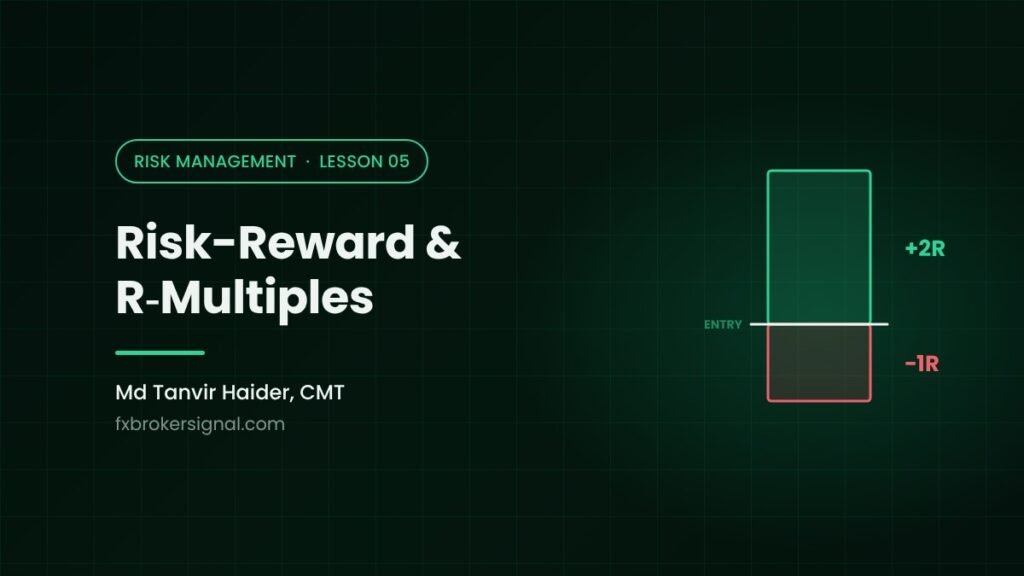
Set the target based on the chart — the next resistance level, a measured move, whatever your strategy identifies. Then combine it with your stop distance to check the risk-reward ratio before entering.
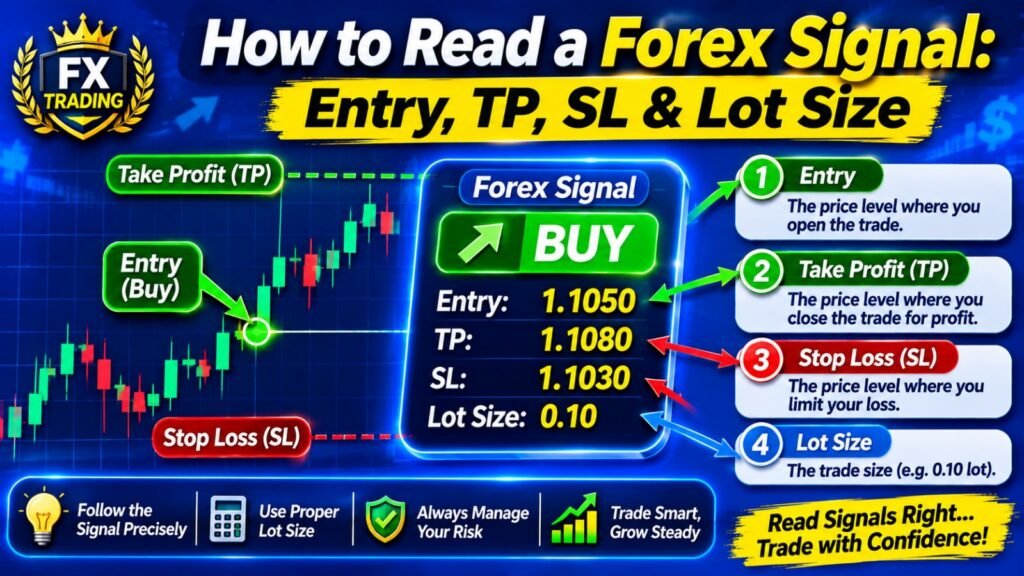
Entry: 1.0850
Stop loss: 1.0820 (30 pips risk)
Take profit: 1.0920 (70 pips reward)
Risk-reward: 1 : 2.3
A 1:2 ratio or better means you can be wrong more often than right and still finish ahead. At 1:2, winning four trades out of ten produces a profit. That arithmetic is the entire foundation of professional trading, and it is only available to traders who set targets deliberately.
Our Profit & Loss calculator lets you check the monetary outcome of both the stop and the target before you commit to a setup, which makes the ratio concrete rather than theoretical.
Trailing stop
A trailing stop follows price at a fixed distance as the trade moves in your favour, and stays put when it moves against you.
Buy @ 1.0850, trailing stop 30 pips
Price 1.0850 → stop at 1.0820
Price 1.0900 → stop at 1.0870
Price 1.0950 → stop at 1.0920 (profit locked)
Price falls → stop stays at 1.0920
Trailing stops suit trending markets where you want to capture an extended move without deciding the exit in advance.
They suit ranging markets poorly. A 30 pip trail in a market oscillating 40 pips will exit you constantly. Match the tool to the conditions.
One platform limitation worth knowing: in MT4, a trailing stop runs on your terminal, not the broker‘s server. Close the platform and the trail stops updating. MT5 and most brokers offer server-side trailing, which does not have this problem.
Order expiry
Pending orders can carry an expiry setting: good till cancelled, good for the day, or a specific date and time.
This matters more than it appears. A buy limit placed on Monday based on Monday’s market conditions may be entirely inappropriate by Thursday, after the fundamental picture has shifted. Orders left sitting indefinitely occasionally trigger into conditions the trader would never have chosen to enter.
A reasonable default: set pending orders to expire at the end of the trading day or week, and re-place them if the setup still stands.
Putting it together
A complete trade plan uses three orders at once, all set before the position exists.
Entry: Buy limit @ 1.0850
Stop loss: 1.0820
Take profit: 1.0920
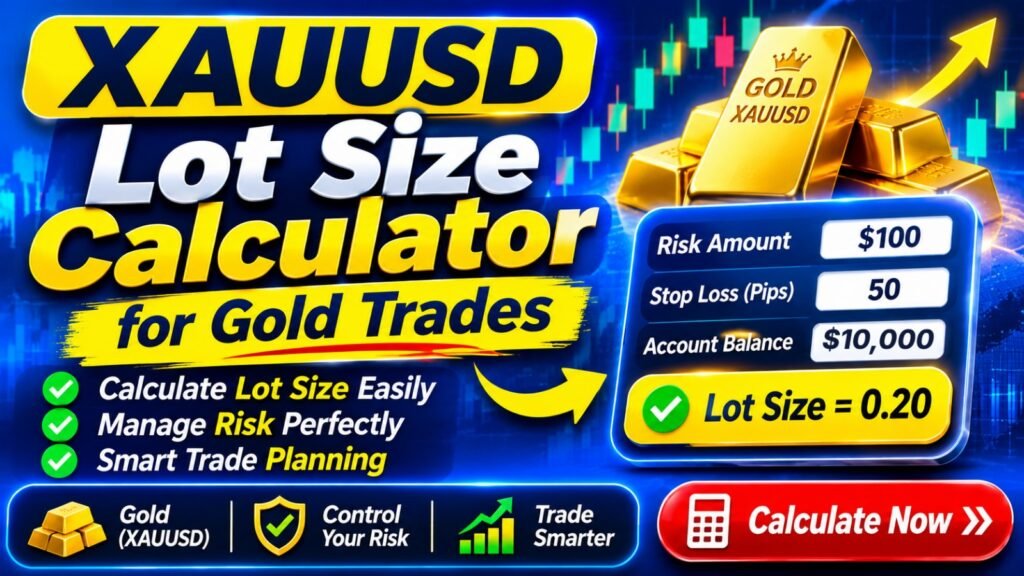
Size: 0.05 lots (1% risk on $2,000)
Expiry: End of week
Once these are placed, the trade requires nothing further from you. It enters if price arrives, exits at a loss you accepted, or exits at a profit you targeted. No decisions are made under pressure, because no decisions remain.
This is what “having a plan” actually means in practice. Not a general intention about the market — a specific set of orders that execute without you.
The same principle is why some traders automate execution entirely. If you follow signal channels, the gap between a signal appearing and you placing it by hand is where most of the slippage and sizing errors occur. A trade copier such as Telegram Trade Linker places the orders directly on your MT4 or MT5 account using risk rules you set once — which removes exactly the manual step where discipline tends to break down. Worth understanding as a concept even if you never use one.
What to do next
You now have the complete technical toolkit: the mechanics of money in a trade, and the mechanics of getting in and out.
Lesson 10 covers the demo account — how to use it properly, what it genuinely teaches, and the important limitation that catches out traders who rely on it too long.
Frequently asked questions
What is the difference between a stop order and a stop loss?
A stop order opens a new position when price breaks through a level — it is an entry tool. A stop loss closes an existing position to limit a loss — it is an exit tool. They share the word “stop” but serve opposite functions.
Should I always use a stop loss?
Yes, without exception. Trading without a stop means your maximum loss is undefined, and undefined losses are how accounts end. The argument that you will close manually assumes your judgement under pressure matches your judgement beforehand, and it reliably does not.
Can my stop loss be skipped in fast markets?
A standard stop loss triggers at your level but fills at the next available price, which during a gap or violent move may be worse. This is slippage. Some brokers offer guaranteed stops for a fee, which fill exactly at your level regardless of conditions.
What is a good risk-reward ratio?
1:2 or better as a working minimum — risking 30 pips to make 60. At 1:2 you only need to win four trades out of ten to be profitable. Ratios below 1:1 require a very high win rate to work, which is difficult to sustain over time.
Why did my limit order not fill when price reached my level?
Limit orders fill only at your price or better. If price touched your level briefly with thin liquidity, there may have been no counterparty available at that exact moment. This happens more often at round numbers and during low-liquidity hours.
Should I use a trailing stop?
Useful in trending conditions where you want to capture an extended move. Poor in ranging markets, where the trail will exit you repeatedly during normal oscillation. Also note that MT4 trailing stops run on your terminal and stop working if you close the platform.